AI Resume Checker
Prepare for optional AI resume feedback
Choose a section with a clear communication problem and remove information you do not need to share.
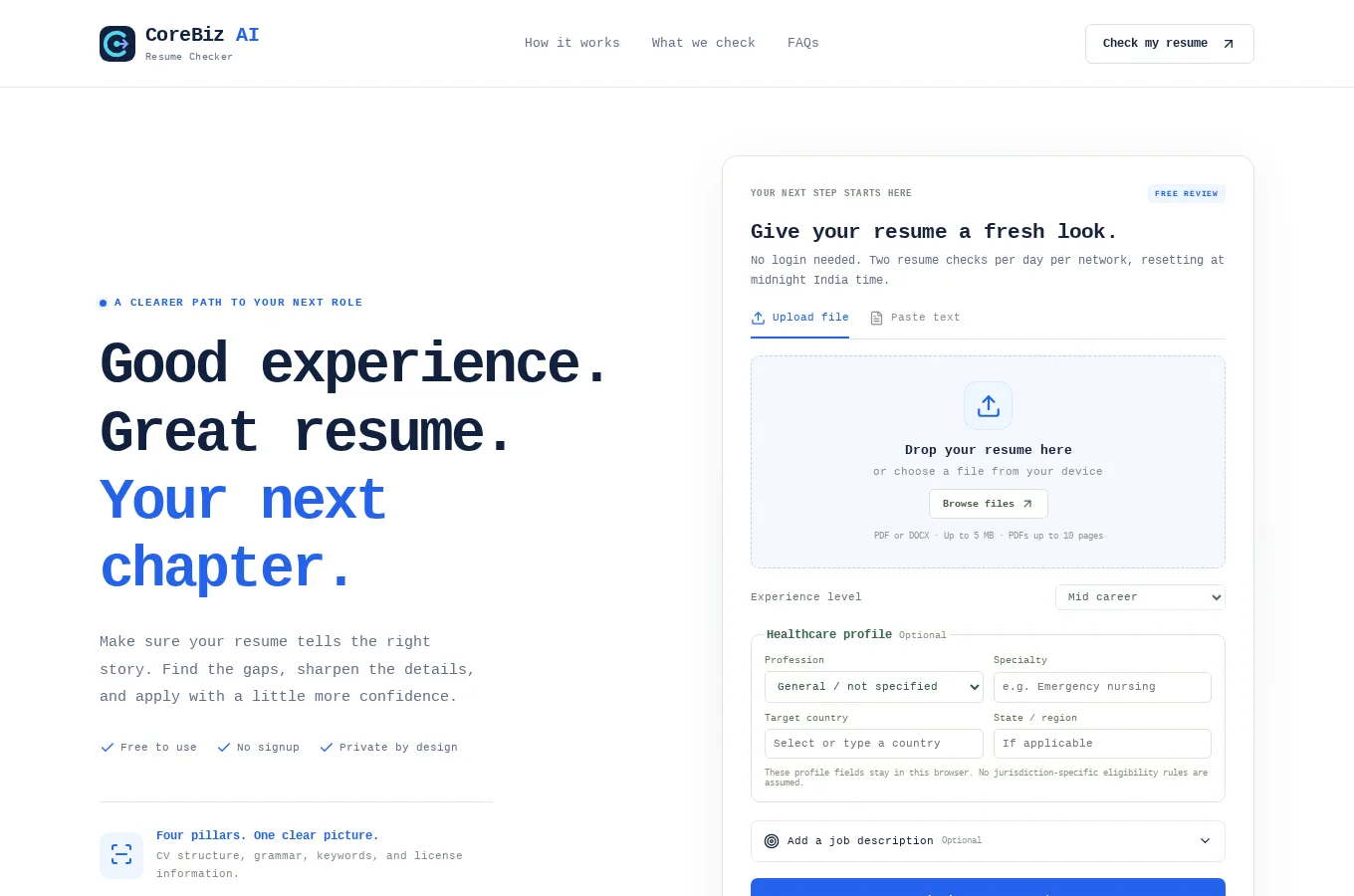
This guide uses AI Resume Checker as its starting point. It combines the documented project capabilities with practical suggestions for planning and reviewing your own work. The suggestions below are guidance, not a claim that the application automates every step.
Start with a concrete task
Choose a section with a clear communication problem and remove information you do not need to share. Decide what a successful rewrite should preserve.
What the project provides
The app supports consent-based AI feedback and section rewrites; this deployment awaits provider configuration.
Review the result before moving on
This deployment awaits AI provider configuration. Do not plan around AI availability or treat an optional rewrite as a substitute for your own factual review.
Access and setup
No login is required. Two resume checks per network (IP address) are available daily, resetting at midnight India time. PDF/DOCX parsing, rule checks, and version comparison are available. AI review requires separate provider configuration and explicit consent before resume text is sent to the provider.
Common questions
Where can I find the current project details?
Read the AI Resume Checker project page for its documented features, access notes and live application link.
Does this guide describe an automated workflow?
Only the capabilities explicitly described in the project section are product features. Planning and review suggestions may need to be performed manually.
Your next step
To explore a similar experience for your own audience, review our related service. Start the discussion with a concrete user task and the information needed to complete it.