
GraphicFolks
Review contrast in real interface states
Check foreground and background pairs for body text, links and controls.
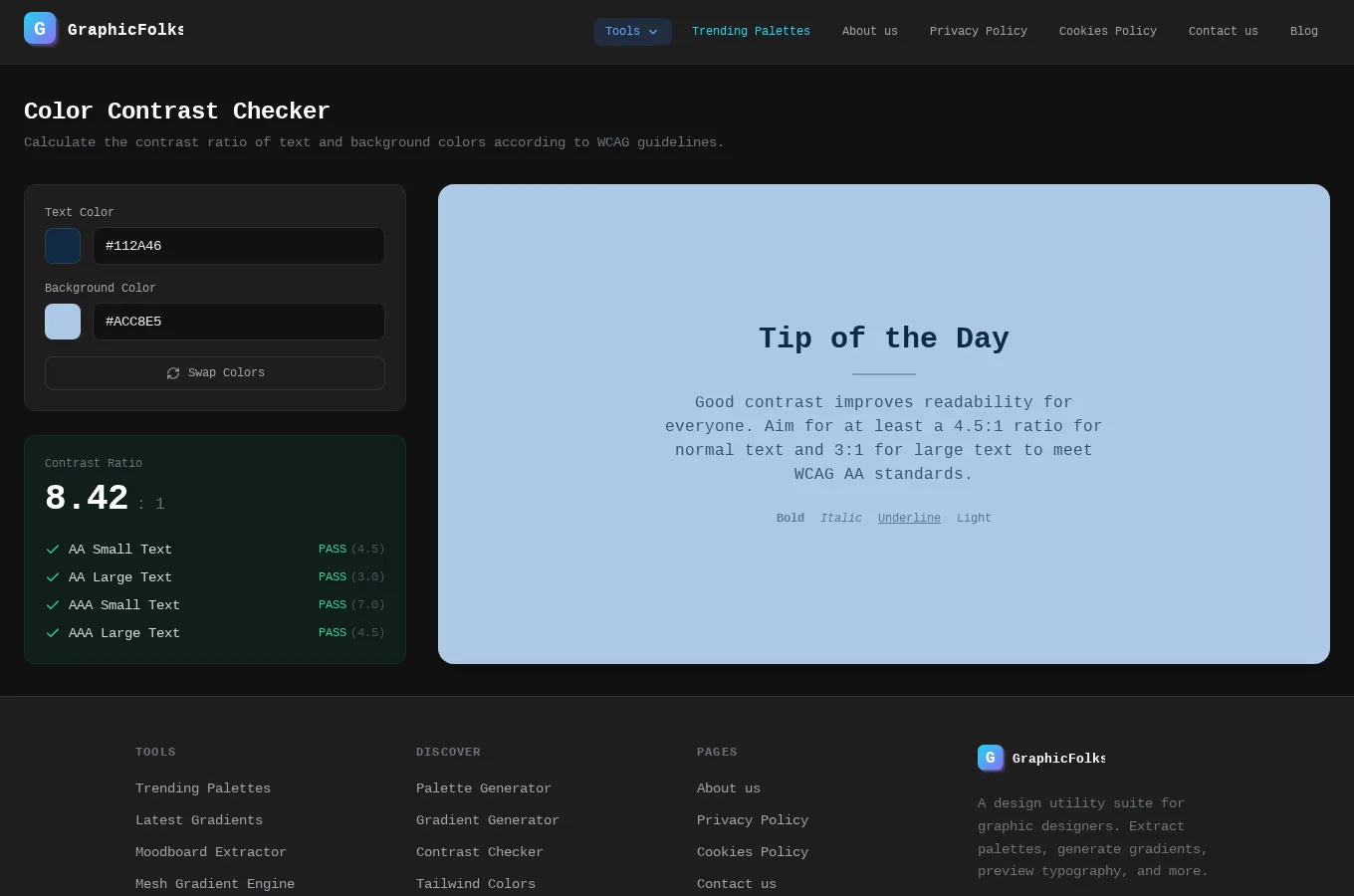
This guide uses GraphicFolks as its starting point. It combines the documented project capabilities with practical suggestions for planning and reviewing your own work. The suggestions below are guidance, not a claim that the application automates every step.
Start with a concrete task
Check foreground and background pairs for body text, links and controls. Include disabled, hover and focus appearances in the design review.
What the project provides
Check text and background combinations while making accessibility decisions.
Review the result before moving on
A contrast check covers one part of accessibility. Keyboard access, labels, structure and understandable interaction still need their own review.
Access and setup
Open the live project to explore its current tools and access requirements.
Common questions
Where can I find the current project details?
Read the GraphicFolks project page for its documented features, access notes and live application link.
Does this guide describe an automated workflow?
Only the capabilities explicitly described in the project section are product features. Planning and review suggestions may need to be performed manually.
Your next step
To explore a similar experience for your own audience, review our related service. Start the discussion with a concrete user task and the information needed to complete it.