
CoreBiz IT Services & CRM
Create contact notes your team can use
Keep relationship context separate from guesses.
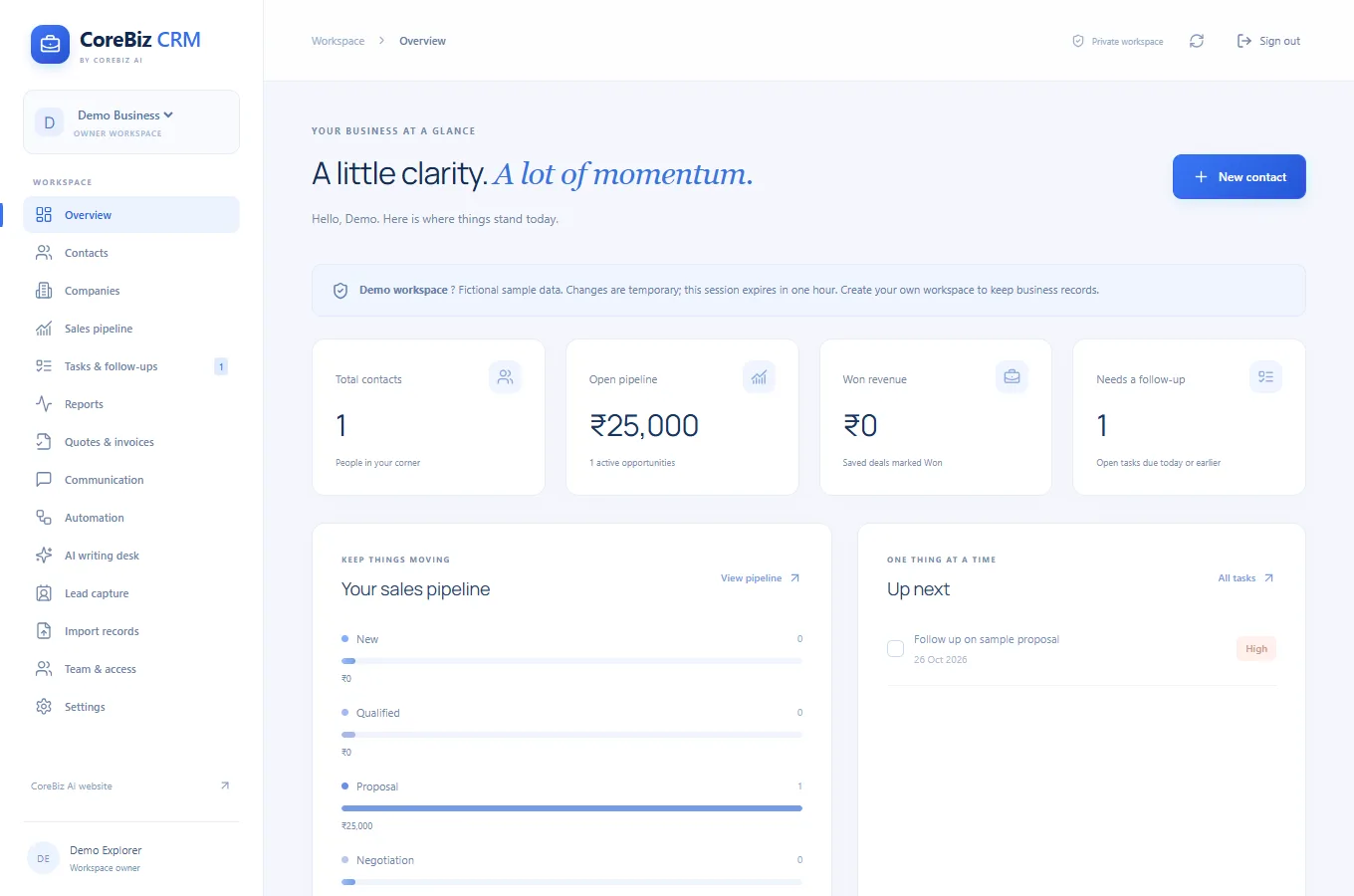
This guide uses CoreBiz IT Services & CRM as its starting point. It combines the documented project capabilities with practical suggestions for planning and reviewing your own work. The suggestions below are guidance, not a claim that the application automates every step.
Start with a concrete task
Keep relationship context separate from guesses. Record a concise reason for the next conversation and link the contact to the correct company.
What the project provides
Store customer details, relationship types, company links and notes. Search your records and export them as CSV.
Review the result before moving on
Before exporting a CSV, check that you need every included field. Share the file through an approved channel and avoid creating unnecessary copies of contact information.
Access and setup
Use admin / admin to explore an isolated one-hour demo with fictional records. For persistent business data, create your own email/password account. Owners can generate seven-day invitation links for teammates with matching account emails. Email recovery and verification, online payment links and AI writing require dedicated providers to be configured later.
Common questions
Where can I find the current project details?
Read the CoreBiz IT Services & CRM project page for its documented features, access notes and live application link.
Does this guide describe an automated workflow?
Only the capabilities explicitly described in the project section are product features. Planning and review suggestions may need to be performed manually.
Your next step
To explore a similar experience for your own audience, review our related service. Start the discussion with a concrete user task and the information needed to complete it.