Booking and attendance
Publish service bookings, manage appointments, availability, preparation buffers, staff leave, check-in and no-shows.

Booking & CRM
Bookings, customers and your next step.
A complete appointment-led workspace for bookings, customer relationships, sales, staff schedules and day-to-day service operations.
BusinessFlow brings appointment booking and customer relationship management together. Customers can book services through a public booking page while teams manage contacts, enquiries, deals, follow-ups and calendars in private workspaces. The application also includes quotes, invoices, manual payment records, staff availability, service forms, packages, waitlists, locations, resources and inventory. Provider settings are available for SMTP, WhatsApp, Razorpay and external calendars; each integration needs its own credentials and activation.
Appointment-based businesses, consultants, studios and service teams that need booking schedules alongside customer and sales records.
Inside the workspace
Publish service bookings, manage appointments, availability, preparation buffers, staff leave, check-in and no-shows.
Manage customer histories, leads, tags, assignments, deals, follow-ups and reviewed duplicate merges.
Create commercial documents and track acknowledged manual receipts. These are not certified tax invoices or bank-settlement records.
Manage locations, resources, whole-unit inventory, recurring appointments, manually allocated packages and waitlists.
Provide expiring private portal links, booking management, intake forms, consent and completion feedback.
Owners can save, test and enable their own email, WhatsApp, payment and calendar providers. No provider credentials are preconfigured.
HOW IT FITS
This is a separate application from CoreBiz IT Services & CRM. BusinessFlow focuses on the full appointment journey, from a customer choosing a service to staff managing the visit and follow-up.
The source is maintained inside the CoreBiz AI monorepo. Its private database, sessions and encryption key are isolated from the other CoreBiz applications.
BEFORE CONNECTING
Email delivery, WhatsApp messaging, payment links and calendar synchronization require your own provider accounts and configuration. Saving a credential does not automatically activate a provider.
Commercial receipts and appointment collections have different purposes. Review your accounting, payment and privacy requirements before using the app for live business operations.
No. BusinessFlow is a separate booking-focused application with its own database and login.
No. The development admin account is disabled in production. Create a private email/password account.
No. Connect and explicitly enable your own providers first.
Getting started
Create a private email/password account, then create your business workspace. The old local admin/admin account is disabled on this public deployment. Existing records in the original local project are not copied into this new deployment.
Open live projectA student-focused marketplace with opportunity discovery, optional AI coaching, scam-warning checks, college schedules, milestones, earnings records and consent-based placement sharing.
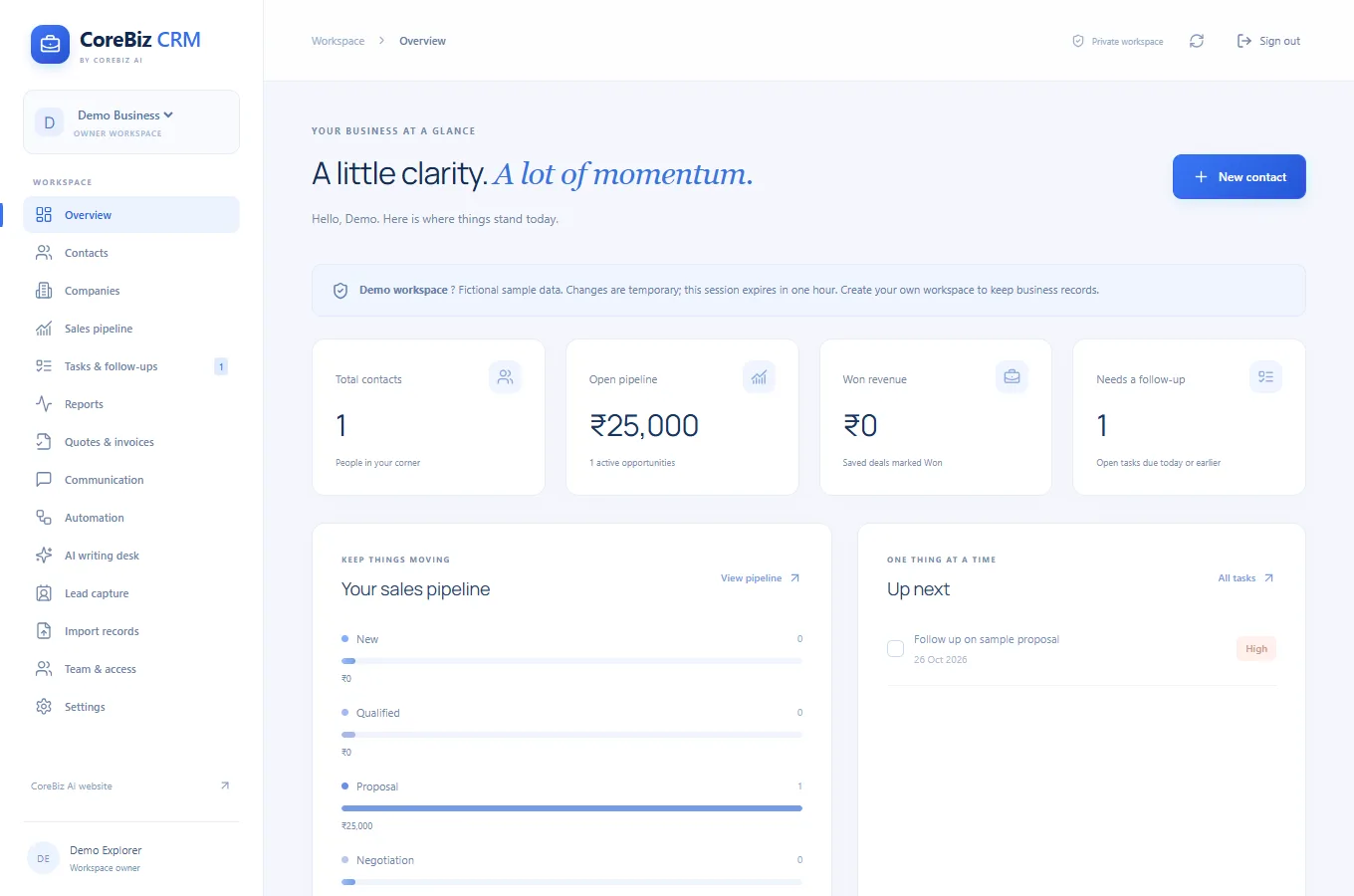
A spacious blue business CRM for customer relationships, shared workspaces, sales opportunities, enquiries, quotations, invoices and follow-up automation.
A home-service booking website for cleaning and cooking, with on-demand services, subscription options and guided scheduling.
THE JOURNAL
BusinessFlow Booking + CRM
Write down preparation time, appointment duration and cleanup time separately.
Read article ↗BusinessFlow Booking + CRM
Record the customer's last request and a specific next action.
Read article ↗BusinessFlow Booking + CRM
Separate the proposed scope from accepted work.
Read article ↗BusinessFlow Booking + CRM
Map recurring appointments against staff, locations and shared resources.
Read article ↗BusinessFlow Booking + CRM
Ask only for information needed to deliver the booked service.
Read article ↗