Book companion
Explore chapters and ask questions grounded in the available textbook content.

Learning Tools
Turn textbooks into a connected learning workspace.
An AI book companion with chapter learning, book-grounded questions, worksheets, video lessons, and progress tracking.
CoreBiz AI Books connects students with their textbooks through a learning portal and gives administrators a workspace for books and chapter content. The existing books backend and records remain on their original server, connected securely to CoreBiz AI.
Students, teachers, and education teams using the supported book catalog.
Inside the workspace
Explore chapters and ask questions grounded in the available textbook content.
Access worksheets, book solutions, and chapter test tools.
Review available practice history and learning analytics.
Manage books and chapter content through the authenticated admin portal.
Use diagnostic and saved quiz evidence, then request a three-step AI study plan in English or Hindi.
Get AI mistake explanations, guiding questions and fresh ungraded practice; preserve original answers and recall history.
Getting started
Student sign-in is required for learning features. The separate administrator portal at /ai-books/admin/ uses the existing AI Books administrator login.
Open live projectA student-focused marketplace with opportunity discovery, optional AI coaching, scam-warning checks, college schedules, milestones, earnings records and consent-based placement sharing.
A complete appointment-led workspace for bookings, customer relationships, sales, staff schedules and day-to-day service operations.
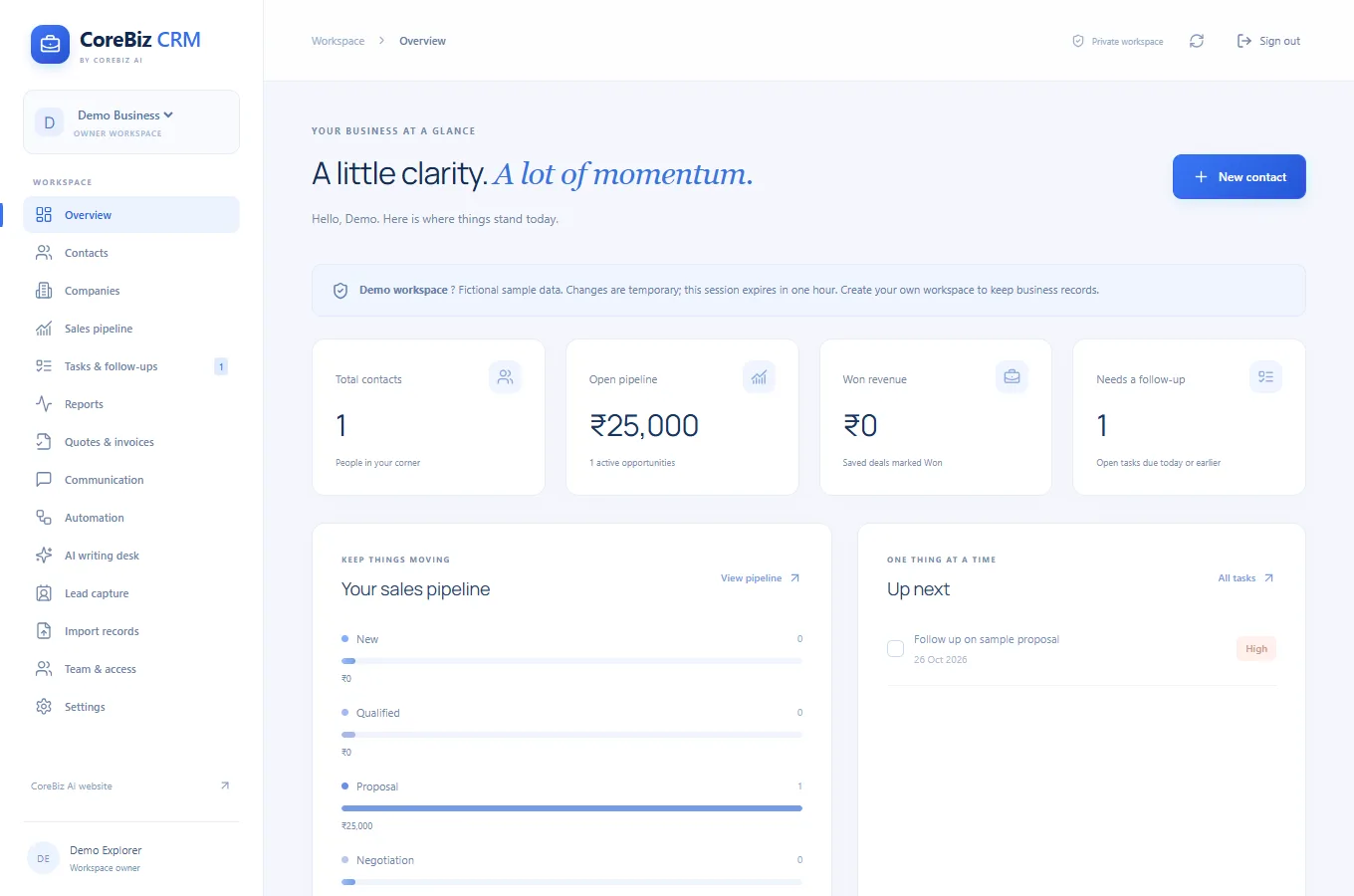
A spacious blue business CRM for customer relationships, shared workspaces, sales opportunities, enquiries, quotations, invoices and follow-up automation.
THE JOURNAL
AI Books
Name the chapter concept you are trying to understand and describe the step where you became confused.
Read article ↗AI Books
Attempt a small set of questions before reading a solution.
Read article ↗AI Books
Look for repeated patterns in available practice history.
Read article ↗AI Books
Check chapter titles, ordering and the content available to the companion.
Read article ↗AI Books
Start with diagnostic or saved quiz evidence and identify one concept that needs attention.
Read article ↗