Executive briefs
Review business summaries and AI-assisted narratives for the available ERP data.

Business & ERP
Your ERP, distilled into an executive brief.
An ERP intelligence workspace for executive briefs, KPI dashboards, audit insights and AI-assisted business questions.
CeBrief brings ERP reporting and executive workflows into one workspace. Its modules include business KPI dashboards, daily briefs, audit insights, approvals and an AI strategist. Available data and AI responses depend on the account, connected ERP and configured services.
Business leaders, finance teams and operations teams reviewing information from their ERP systems.
Inside the workspace
Review business summaries and AI-assisted narratives for the available ERP data.
Explore financial and operational metrics through the connected reporting workspace.
Set up supported ERP integrations, including SAP, Oracle and accounting platforms.
Review configured audit checks and flagged business exceptions.
Ask business questions through the strategist and chat modules when the required AI service is configured.
Access the CeAct module for supported approval and action workflows.
Getting started
The live link opens the CeBrief setup and sign-in portal. An account and configured organization are required for private dashboards; ERP connections and AI services require their own setup. CeBrief is hosted separately from CoreBiz AI.
Open live projectA student-focused marketplace with opportunity discovery, optional AI coaching, scam-warning checks, college schedules, milestones, earnings records and consent-based placement sharing.
A complete appointment-led workspace for bookings, customer relationships, sales, staff schedules and day-to-day service operations.
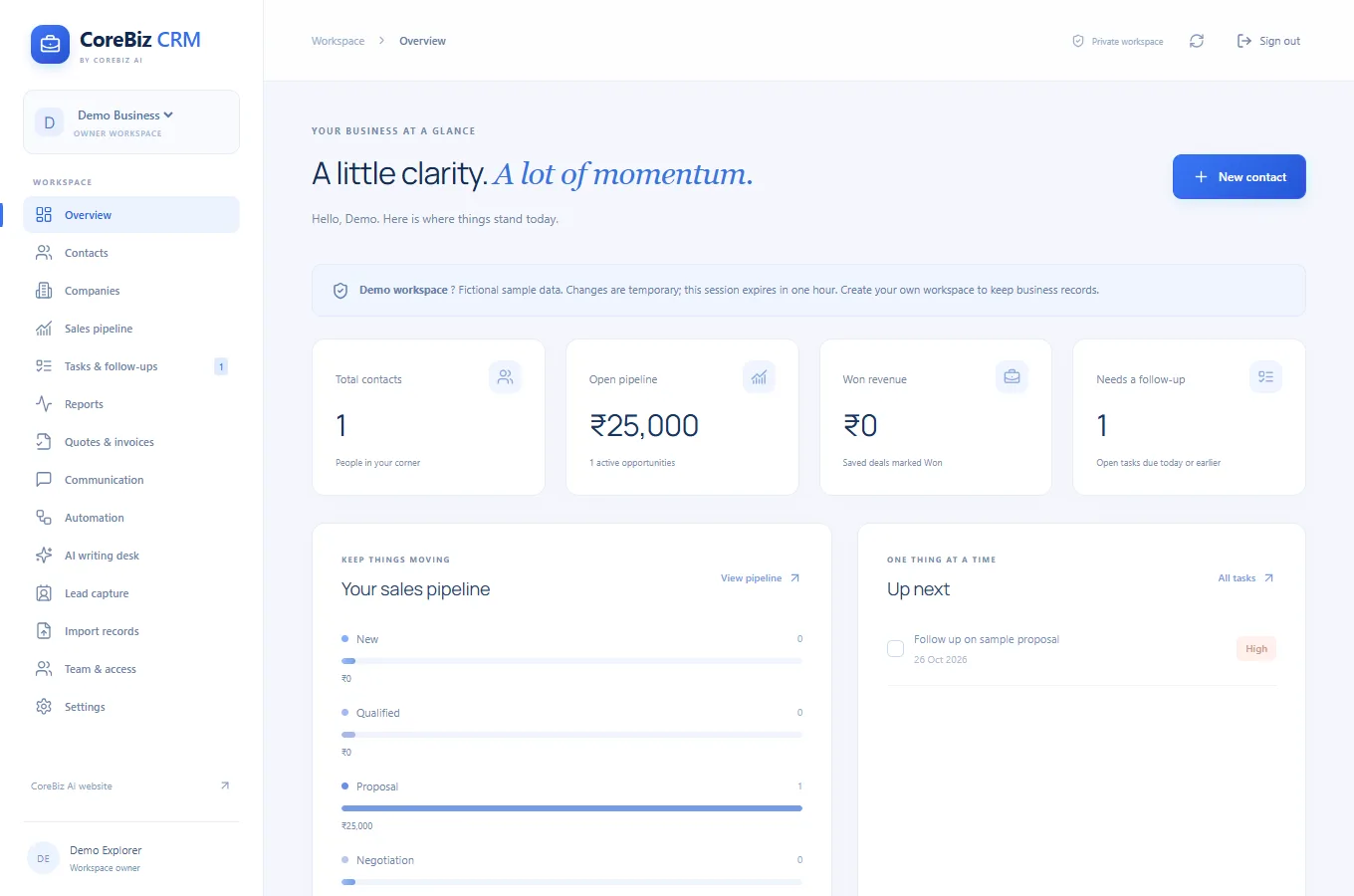
A spacious blue business CRM for customer relationships, shared workspaces, sales opportunities, enquiries, quotations, invoices and follow-up automation.
THE JOURNAL
CeBrief
Start with the reporting period and the business question.
Read article ↗CeBrief
Write down each metric's definition, unit and comparison period.
Read article ↗CeBrief
Identify the reporting owner and the business data needed for the first review.
Read article ↗CeBrief
For each flagged exception, record what triggered it and which record needs examination.
Read article ↗CeBrief
Ask one business question at a time and state the relevant period or unit.
Read article ↗