Search performance
Explore clicks, impressions, CTR, and position across your selected property and date range.

SEO & Analytics
Make search performance actionable.
A connected workspace for Google Search Console reporting, keyword tracking, and AI-assisted SEO workflows.
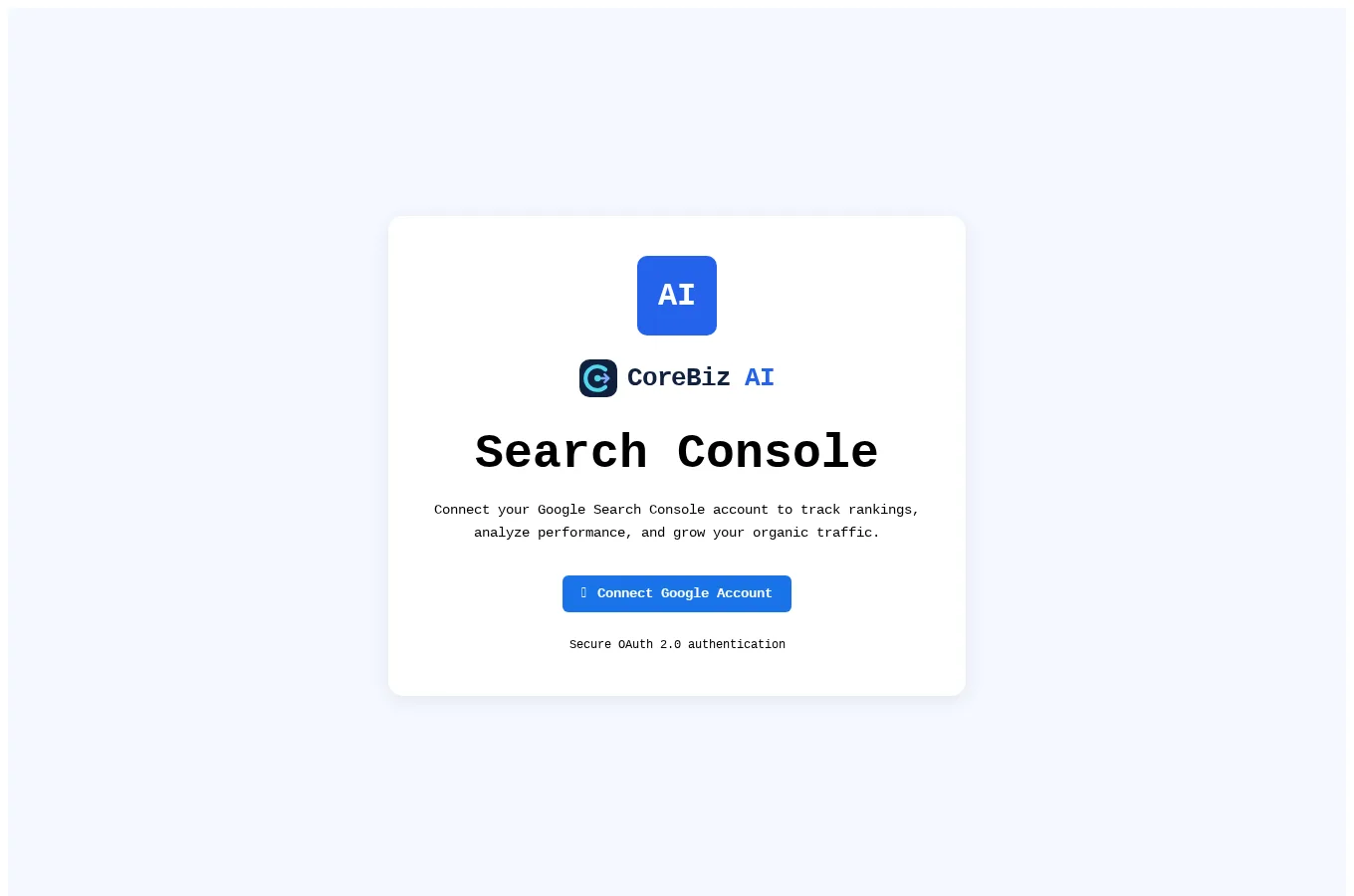
Search Console brings search performance and optimization tools into one dashboard. Connect your Google account, choose a property, and explore its traffic, pages, and keyword data. It is available directly inside CoreBiz AI.
Website owners, SEO specialists, and content teams working with Google Search Console properties.
Inside the workspace
Explore clicks, impressions, CTR, and position across your selected property and date range.
Track query performance, identify quick wins, and investigate keyword cannibalization.
Review content decay and CTR opportunities to decide what to optimize next.
Access index coverage, page-speed analysis, and WordPress-related optimization workflows.
Getting started
Google sign-in and access to a Search Console property are required. Some tools also require a WordPress connection or configured AI provider.
Open live projectA student-focused marketplace with opportunity discovery, optional AI coaching, scam-warning checks, college schedules, milestones, earnings records and consent-based placement sharing.
A complete appointment-led workspace for bookings, customer relationships, sales, staff schedules and day-to-day service operations.
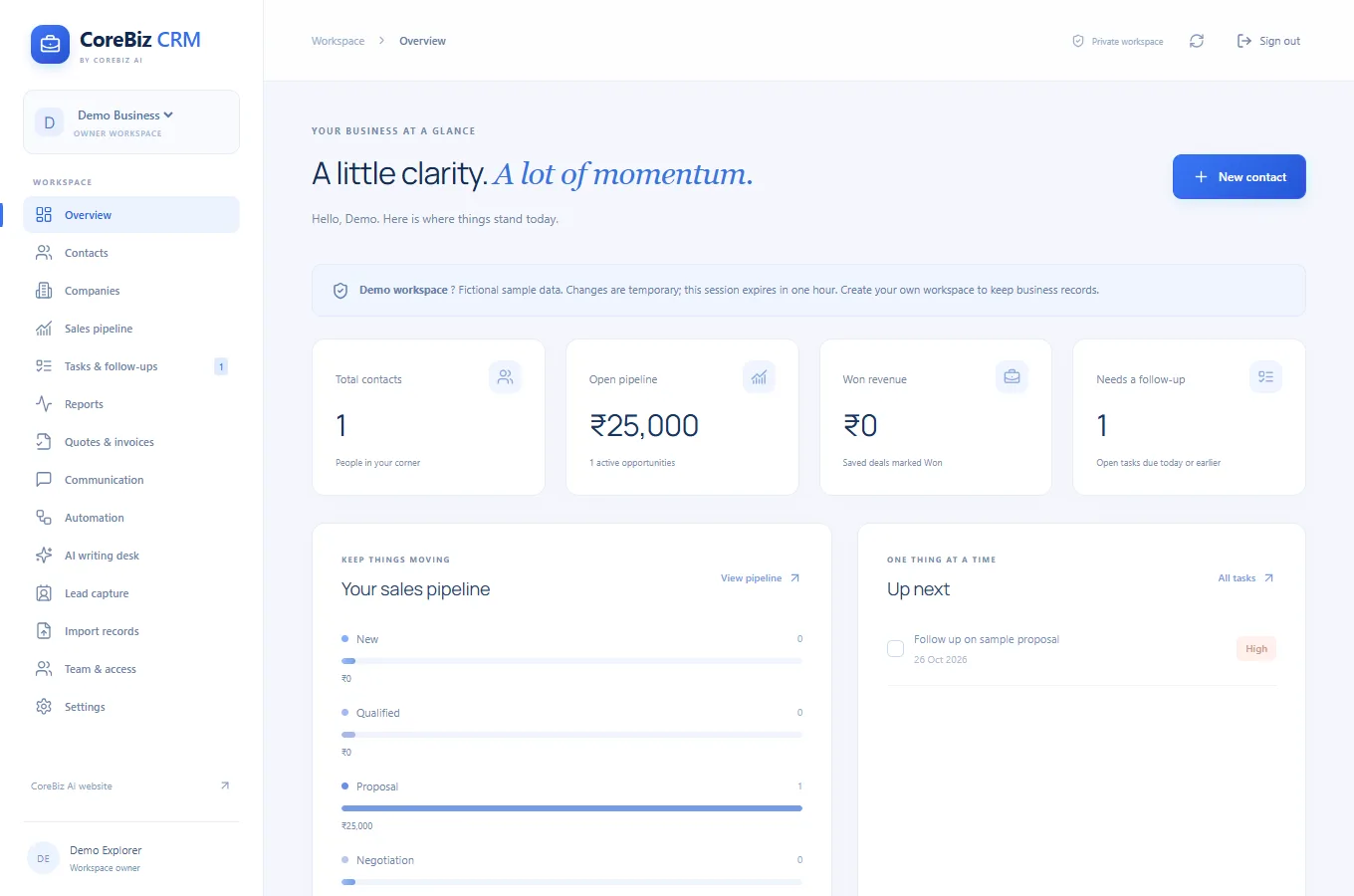
A spacious blue business CRM for customer relationships, shared workspaces, sales opportunities, enquiries, quotations, invoices and follow-up automation.
THE JOURNAL
Search Console
Choose the property and date range before reading clicks and impressions.
Read article ↗Search Console
Find a query that matters to the page's actual audience, then inspect the associated pages.
Read article ↗Search Console
Look for a page with declining performance and a topic still relevant to your audience.
Read article ↗Search Console
Pair a performance question with the relevant index coverage or page-speed workflow.
Read article ↗Search Console
Record the URL, observed problem and one proposed improvement before editing.
Read article ↗